How to Use the Account Priority Calculator
Step-by-step guide to determining optimal contribution order across FHSA, RRSP, TFSA, RESP, and RDSP accounts based on your situation.
Estimated time: 10-15 minutes
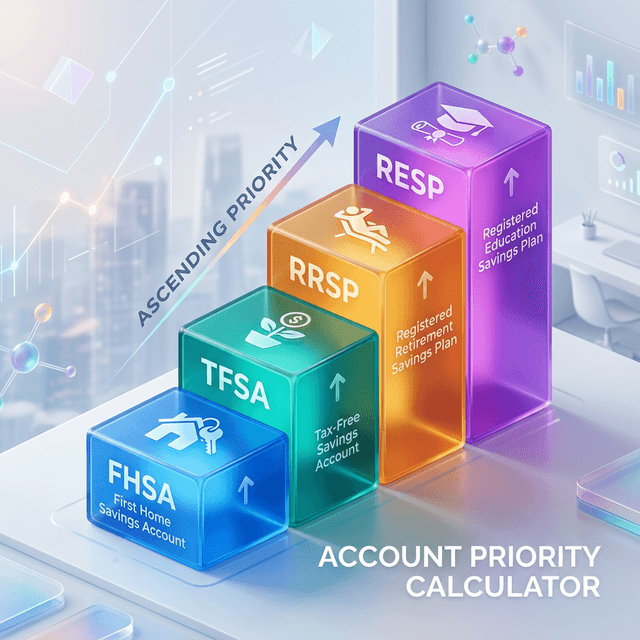
AI Generated by TrackMoola
Gather Your Financial Information
Collect your annual income, current balances for all accounts (RRSP, TFSA, FHSA, RESP, RDSP), and the amount you have to invest this year.
Enter Your Profile
Input your income, province, birth year, and investment amount. This determines your tax rate and contribution room.
Describe Your Situation
Check boxes for first-time home buyer, children, or disability status. Add child ages and home purchase timeline if applicable.
Enter Current Balances
Input your current balance for each account type. This reduces your available contribution room and affects recommendations.
Calculate Priority
Click Calculate to see your personalized priority ranking with suggested amounts for each account.
Review Recommendations
See which accounts are highest priority, why they're ranked that way, and how much to contribute to each.
Implement Your Plan
Open any missing accounts, set up automatic contributions, and allocate funds according to the priority order.